Motion clarity on a 165 Hz screen
Computing the frames that make moving images look sharpest on my laptop's display. At half the frame rate they come out sharper than normal frames at full rate.
When your eye follows something moving on a screen, the object is drawn in one spot for a whole frame while your eye keeps moving. Each frame gets smeared across the retina, so moving text looks blurry even though every frame is sharp. The pixels also take a moment to change, which adds to it.
I wrote a model of both effects for my laptop's 165 Hz panel, then computed which frames to send so that the image reaching a moving eye is as close as possible to the real thing.
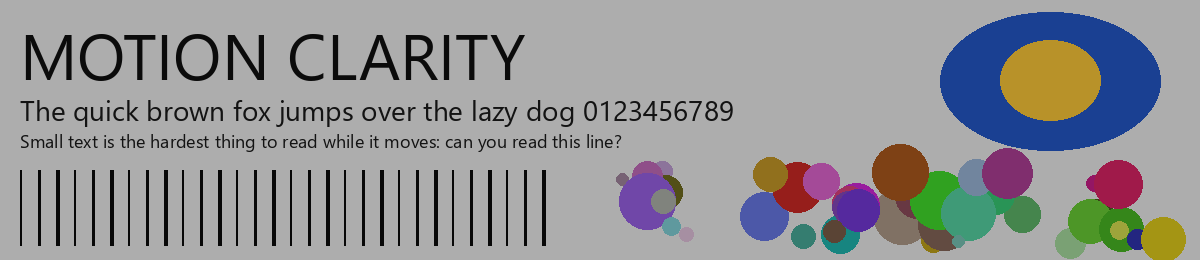
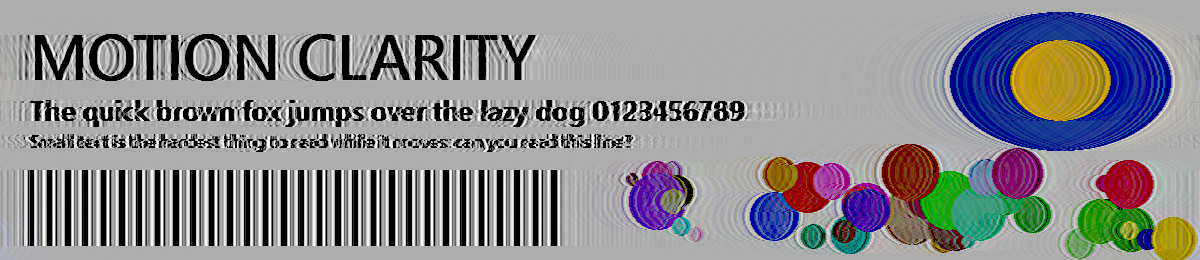
Results
The error is how far the image on the eye is from the ideal one, for a viewer following the motion. Lower is better.
| Frames sent | Frame rate | Error |
|---|---|---|
| Normal | 165 fps | 0.098 |
| Optimized | 165 fps | 0.053 |
| Normal | 82.5 fps | 0.105 |
| Optimized | 82.5 fps | 0.051 |
The optimized frames have about half the error. Optimized frames at 82.5 fps are also closer to the ideal than normal frames at 165 fps.
Motion is horizontal, so each image row and colour channel is an independent one-dimensional problem. Each pixel moves exponentially toward its commanded level, with time constants of about 1.0 ms brightening and 1.6 ms darkening, derived from Notebookcheck's response-time measurements of this panel. The eye integrates light along its own path.
The retinal image is linear in the commands and the commands are bounded, so the fit is a convex problem with a global optimum. It is scored against four viewers at once: tracking exactly, 10% slow, 10% fast and looking elsewhere. Content moves at 990 px/s and uses at most half the panel's brightness, leaving headroom for overshoot.